 PadlessBox
How to Host a Trivia Night on Your TV Using Phones as Buzzers
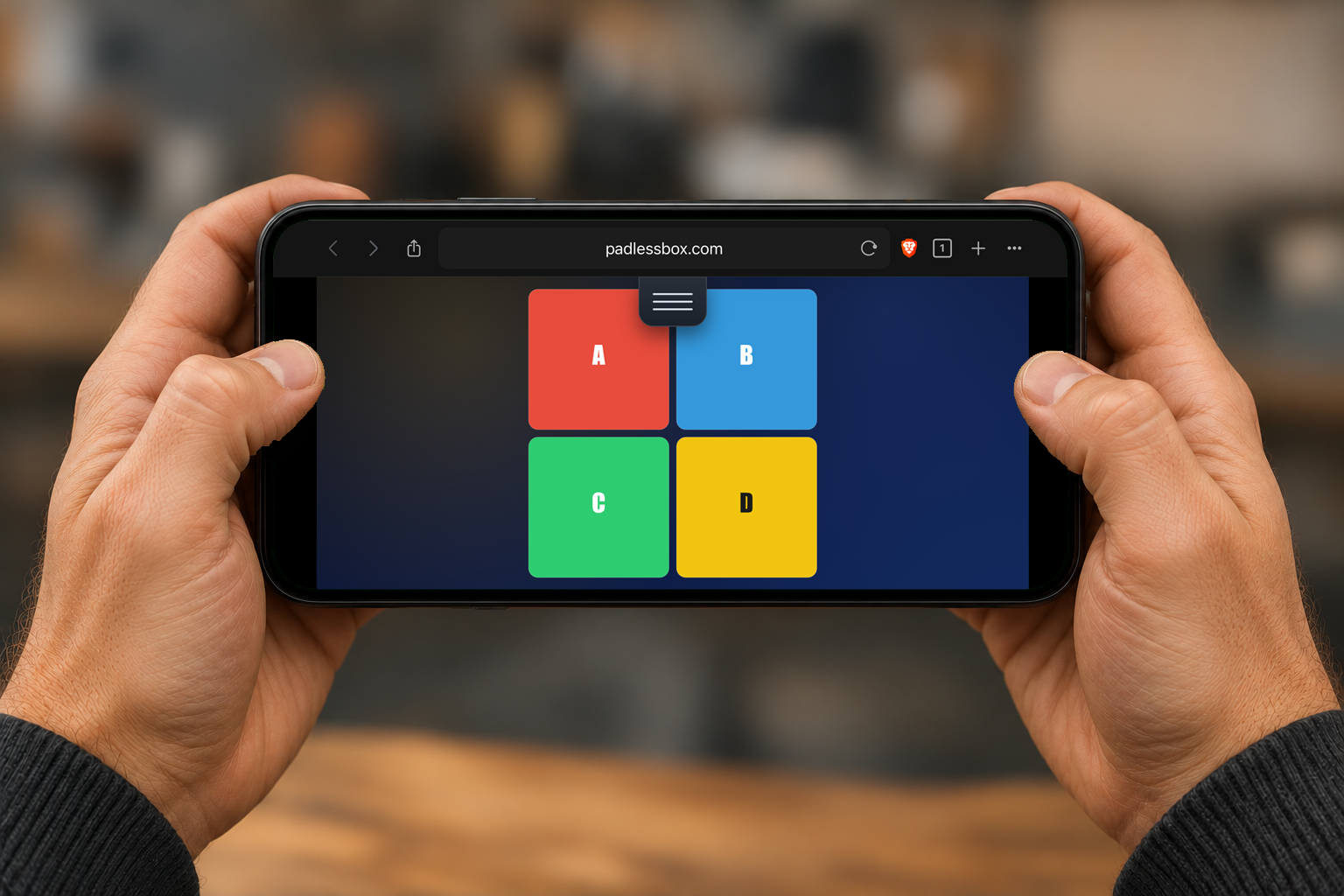
To play trivia on your TV, open PadlessBox in the TV's browser, create a room in TV mode, and have everyone join on their phone with the room code. Pick Quiz to show the questions on the TV while players submit their answers on their phones. It's free, works for up to six players in one room, and runs in the browser without an app or account. Play PadlessBox Quiz.
How to set up a trivia game on TV with phones
You'll need one shared screen, an internet connection, and a phone for each player. A smart TV browser works as the host screen if it can load the game. You can also run the game on a laptop connected to the TV.
- Create the room on the big screen. Open the room setup page in your TV or laptop browser, select TV under Mode, and press Create. Create a room.
- Have everyone join from their phone. Keep the room code visible on the TV. Each player opens the join page in their phone browser and enters that code. Join a room.
- Choose Quiz and start playing. Wait until everyone has joined, then select Quiz. Read the question and answer choices on the TV and use your phone to lock in your answer.
If the game won't load in your TV browser
Connect a laptop to the TV with an HDMI cable, switch the TV to that HDMI input, and open PadlessBox on the laptop. Create the room in TV mode and put the browser in full screen so everyone can read the questions from the couch. Players still join from their phones using the code on the shared screen. The same setup works with a projector. Projector setup guide.
How the phone buzzers work
The TV shows a multiple-choice question and a countdown. Everyone can answer at the same time, and each correct answer earns one point. For a group that's new to the game, make the first game a practice run so everyone gets a feel for submitting answers before you start keeping track of winners. See how Quiz works.
Make it a family quiz night
Start with Quiz while everyone's gathered around the TV. For more than six people, rotate players between games so everyone gets a turn. When the group wants a change of pace, try Memory for a card-matching game, Snake for a quick arcade round, or Four Colors for a card game about matching colors and emptying your hand. Each uses the same shared-screen setup with phones as controllers. Browse all PadlessBox games.
Can you play if friends are at different houses?
Yes. Create a room in Remote mode and share the link. Each player opens it in their own browser and sees the game on their own screen. For an in-person trivia night where everyone watches the same TV, choose TV mode. See all ways to play.