 PadlessBox
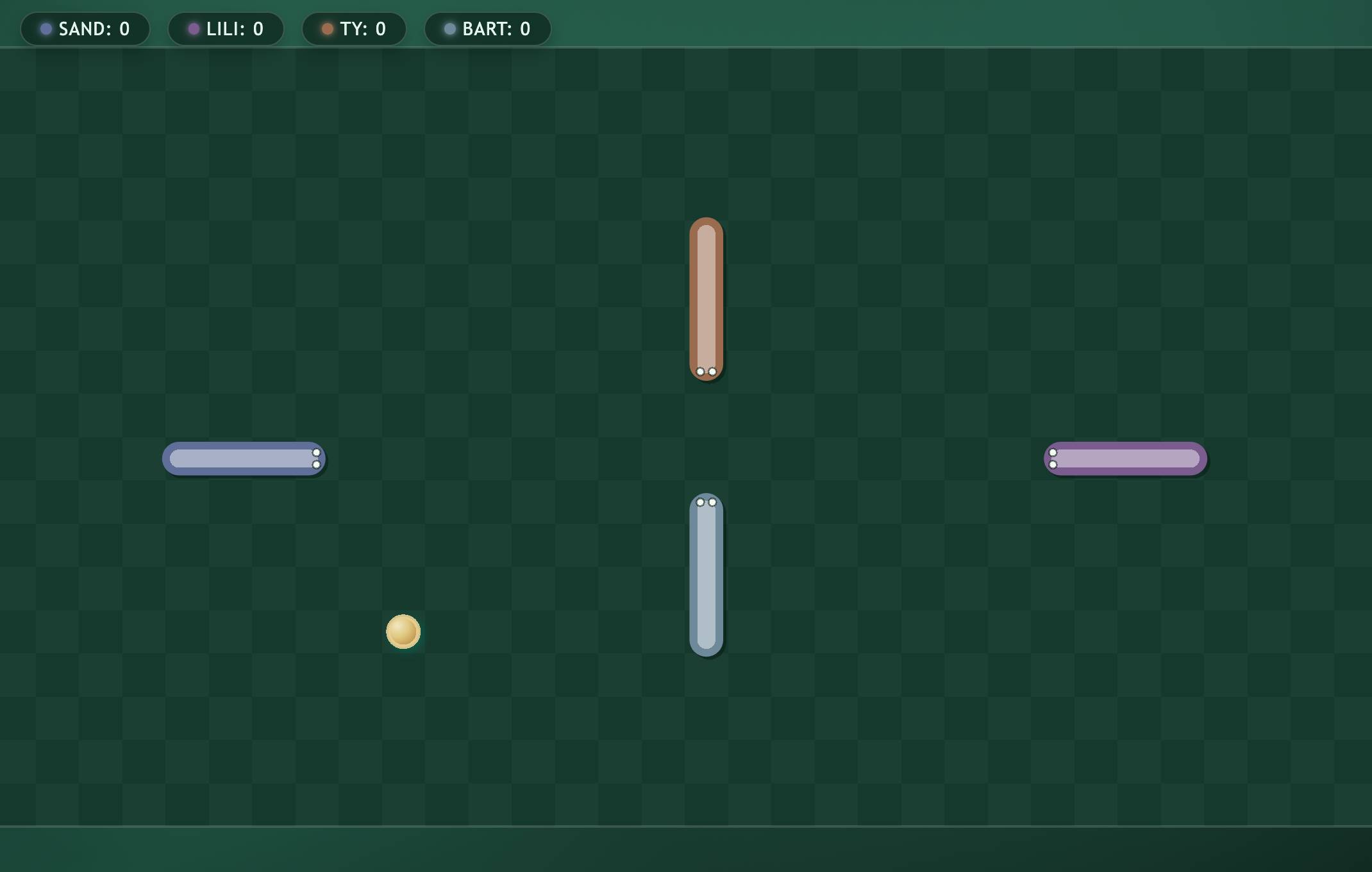 Snake
Snake Browser party games · no download needed
Play with friends anywhere
Start multiplayer party games on a TV, projector, laptop, or just everyone’s phone. No console, no gamepads, no installation.
Works in the browser · Up to 6 players · Phones can be controllers or screens
PadlessBox Room Pick a game
Code 7284
Snake 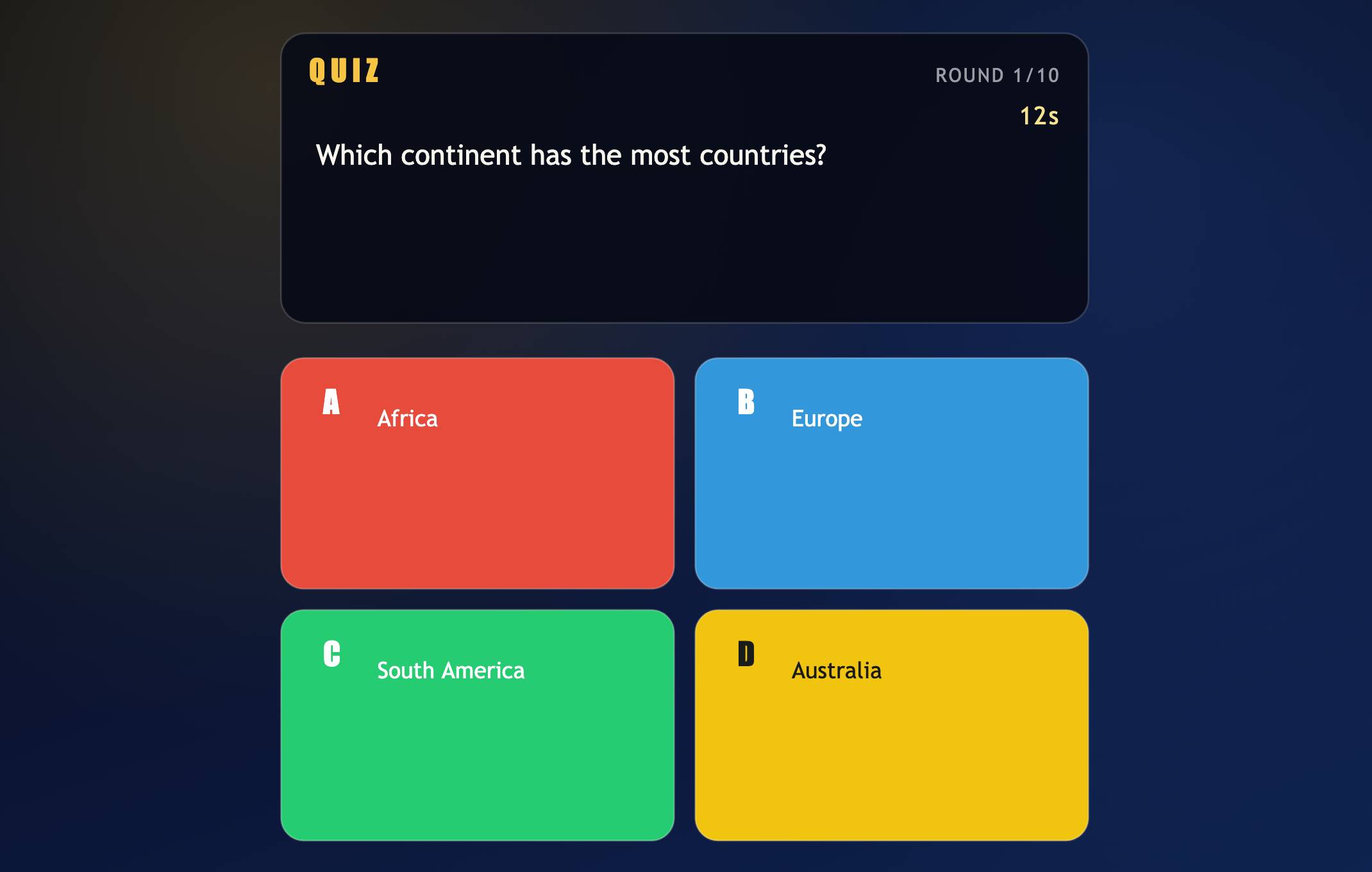 Quiz
Quiz 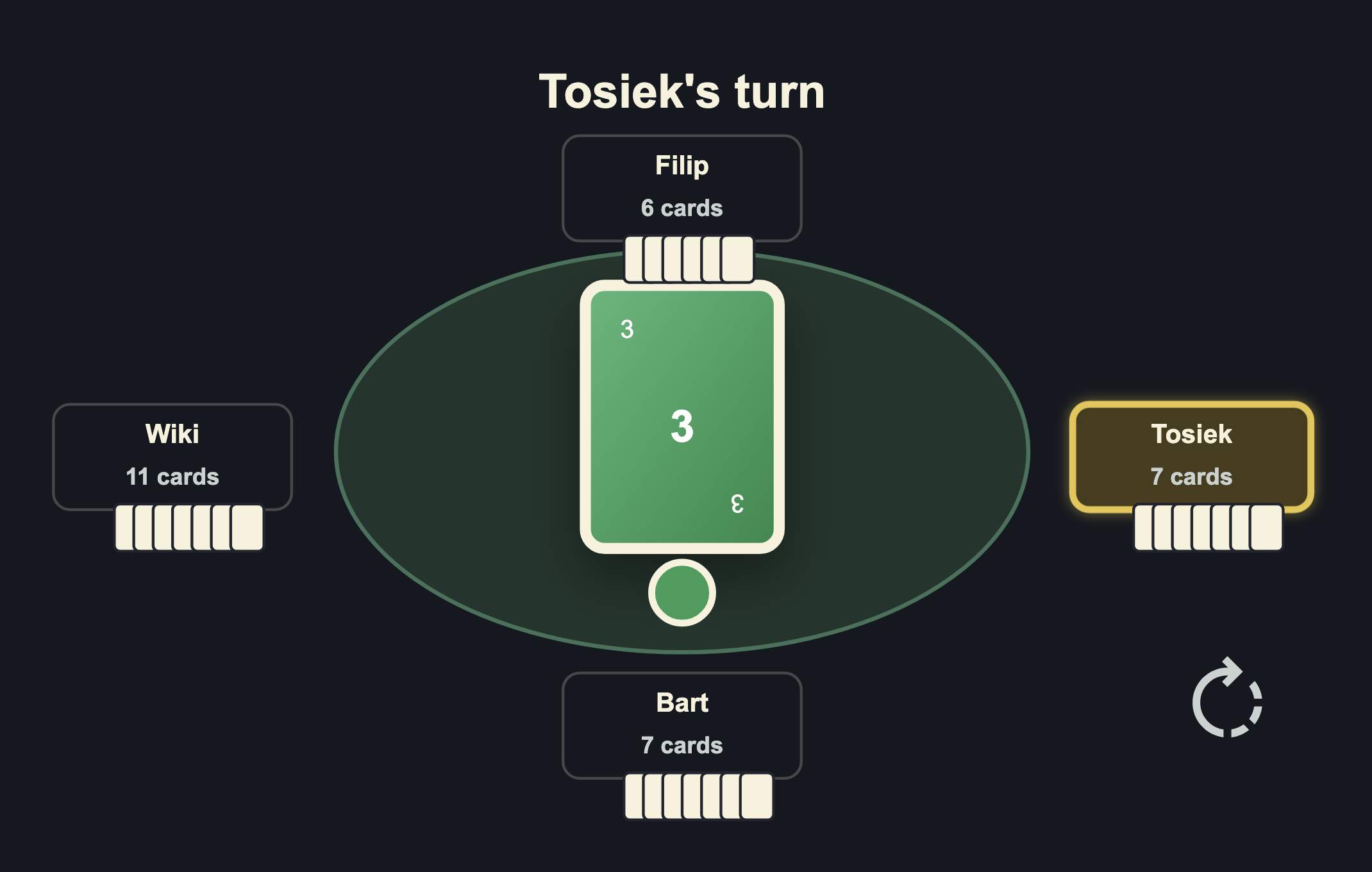 Four Colors
 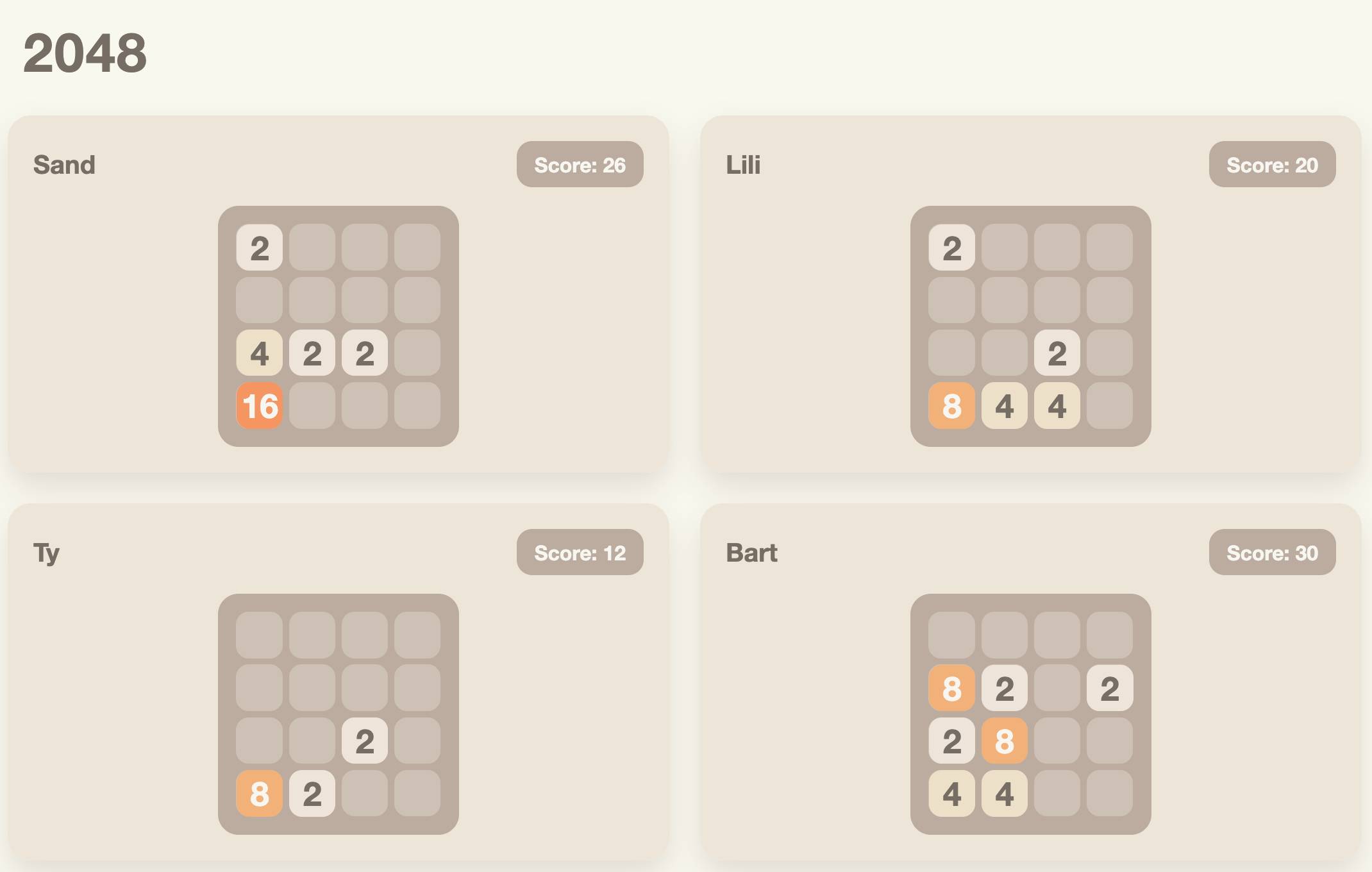 2048
2048 One room. Multiple ways to play.
PadlessBox adapts to your setup. Use a big screen when you have one, or let everyone play directly on their own phone.
TV mode
Open the game on a TV or laptop. Players join with their phones and use them as controllers.
Shared screen mode
Use any available screen — projector, tablet, laptop, or another phone. Everyone joins the same room.
Phone-only mode
No shared screen needed. Each player opens the room link and sees the game on their own phone.
Start in seconds
No accounts, app stores, pairing, or setup. Just create a room and invite friends.
Create a room
Open PadlessBox in your browser and start a multiplayer room.
Share the link or code
Friends join from their phones nearby or remotely.
Play instantly
Choose a game and start playing together on any setup.
Games made for quick multiplayer fun
Pick a game, share the room, and play. Perfect for quick sessions at home, in class, at work, or remotely.
Want to play without a shared screen? Read our guide to playing browser multiplayer games on phones with no installation .
Try a game SnakeQuizMemory MatchTic Tac Toe FastFour Colors2048MinesweeperSliding PuzzleBrickfall
No setup. No friction. Just play.
PadlessBox removes the usual multiplayer barriers. If your friends have phones, you can start a game.
No console
Use devices you already have.
No controllers
Phones become controllers.
No installation
Everything runs in the browser.
No shared screen required
Everyone can play on their own phone.
Works nearby or remote
Share a room link anywhere.
Up to 6 players
Built for quick group sessions.
Questions before you play?
PadlessBox works for party games for TV, online games with friends, and phone-only multiplayer games when a shared screen is not available.
Do I need a TV?
No. You can use a TV, laptop, projector, tablet, another phone as a shared screen, or let everyone play on their own phone.
Do players need to install an app?
No. PadlessBox works in the browser. Players join through a link or room code.
Can everyone play only on phones?
Yes. In phone-only mode, every player sees the game on their own device.
How many people can play?
PadlessBox supports up to 6 players in one room.
Can friends join remotely?
Yes. Share the room link and friends can join from wherever they are.
Ready to play anywhere?
Create a room, invite friends, and start a multiplayer party game now — no console, no controllers, no downloads.