Memory
Play Memory on TV with phones as controllers. Match cards, test recall, and enjoy a family-friendly big screen party game.
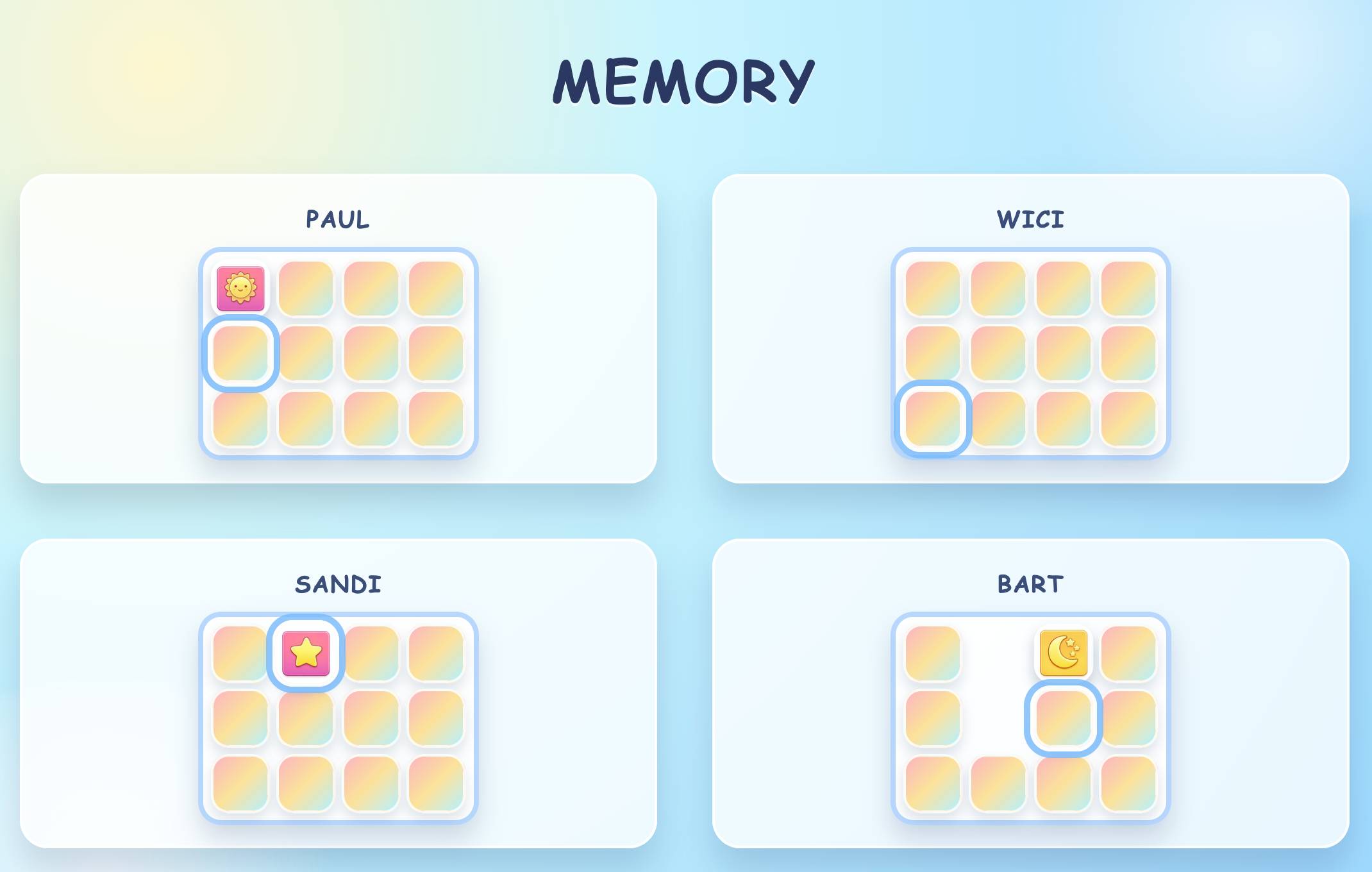
Memory on PadlessBox is a visual matching game designed for big screens. The goal is simple: reveal cards, remember their positions, and find pairs. PadlessBox is browser based, runs on TVs or computers, and uses phones as controllers, so there are no installs. To play on a TV or projector, open PadlessBox on the main screen, create a room, choose TV mode, and show the room code so friends can join.
PadlessBox also supports remote sessions for teams and long distance friends. Choose Remote mode, then share the room link or code in Slack, Teams, or Discord so everyone joins from their own browser. One player can host the main screen on a laptop or shared screen while the rest play from their devices. The same quick setup makes Memory a relaxed choice for family nights, classrooms, or casual hangouts.
The mechanics reward focus and steady pacing. Players tap to flip two cards at a time, trying to reveal a matching pair before the turn ends. Correct matches score points and keep the turn moving, while misses reset the cards and shift momentum. Because the board is shared, everyone learns the layout together, which keeps spectators engaged and creates playful table talk. Short rounds make it easy to run a few games in a row without slowing the room.
Memory has a long history as a classic concentration game, played with physical cards and used in classrooms to build recall skills. Its appeal is universal: it is easy to learn, fair for mixed ages, and rewards attention more than reflexes. PadlessBox keeps that timeless design and updates it for shared screens and phone controls. With clear visuals, quick setup, and instant multiplayer flow, Memory turns any room into a calm but competitive matching session. Great for warm up rounds, families.
PadlessBox