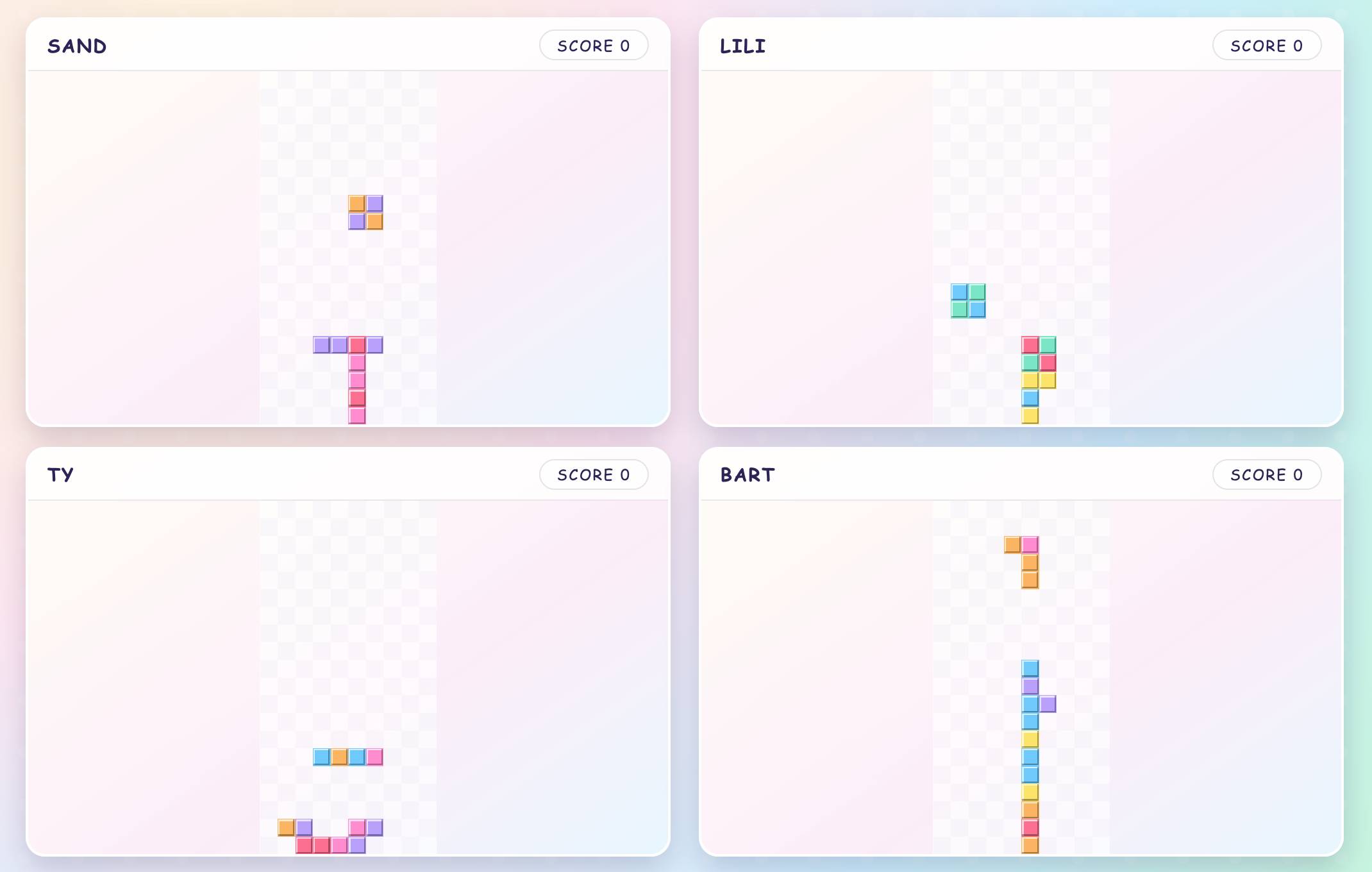
Brickfall game preview

Brickfall

Play Brickfall, a Tetris-style block dropper, on TV with phones as controllers. Stack, clear, and compete for high scores together.

Brickfall on PadlessBox is a falling block game built for big screens. The goal is to stack pieces, clear rows, and keep the board under control as the pace rises. PadlessBox is browser based, runs on TVs or computers, and uses phones as controllers, so there are no installs. To play on a TV or projector, open PadlessBox on the main screen, create a room, choose TV mode, and show the room code so friends can join.

PadlessBox also supports remote sessions for teams and friends. Choose Remote mode, then share the room link or code in Slack, Teams, or Discord so everyone can join from their own browser. One player can host the main screen on a laptop or shared screen while the active player controls the blocks from a phone. This makes Brickfall a strong solo challenge with spectators or a rotation where players take turns chasing the top score.

The mechanics reward clean placement and quick decisions. Each piece falls from the top and can be moved or rotated before it locks in place. Complete a full row to clear it and open space for the next pieces. As levels increase, the drop speed accelerates, so planning ahead and keeping a flat surface becomes critical. A few bad placements can end a run, while a streak of clean clears can keep the board stable for long sessions.

Falling block puzzles have a long history, with early arcade and console titles popularized in the 1980s. The genre became a global staple because it is easy to learn, hard to master, and endlessly replayable. PadlessBox keeps that timeless formula and updates it for shared screens and phone controls. With a clear big screen view and instant setup, Brickfall delivers the tension of stacking pieces with a modern party flow.