 PadlessBox
Play Multiplayer Games in Your Tesla Browser (No Downloads Needed)
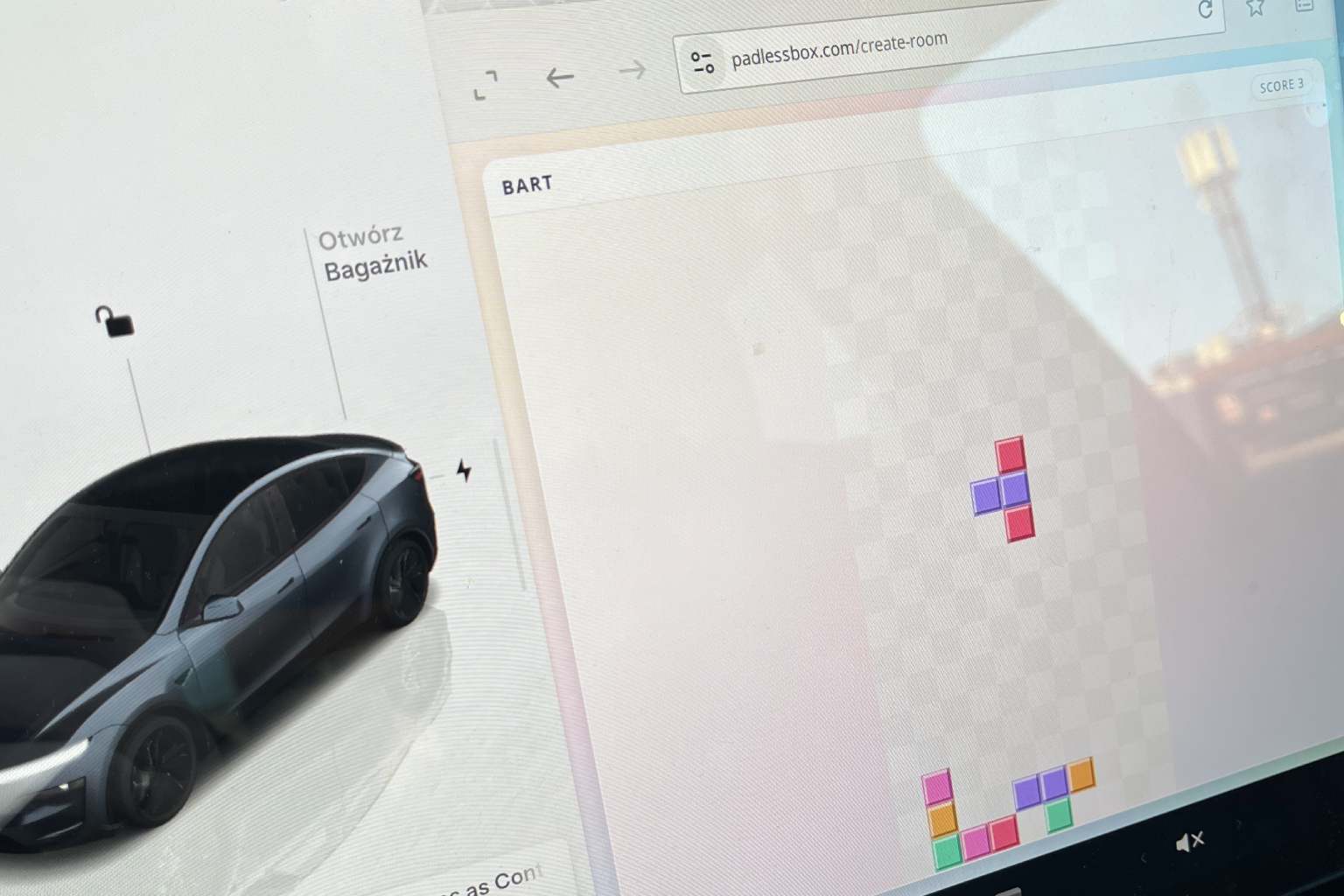
Want quick Tesla browser games for passengers without installing anything? PadlessBox lets you run multiplayer party games directly in a browser, then use phones as controllers. It is a simple way to turn waiting time into a fun, shared game session.
Start by opening https://padlessbox.com/create-room in your Tesla browser. Create a room, show the room code on screen, and ask passengers to join from their phones.
How to play with passengers
- Open
https://padlessbox.com/create-roomin Tesla browser. - Create a room and keep the room code visible.
- Each passenger joins from a phone and uses it as a controller.
- Choose a game and start the round on the main screen.
Why this setup works well in a Tesla
- No downloads needed: Everything runs in the browser.
- Phones as controllers: Each player keeps personal controls on their own device.
- Fast room setup: Open one URL, join, and play in minutes.
- Made for group play: Great for passengers during charging stops or waiting.
Available games
- Snake
- Rock Paper Scissors
- Quiz
- Memory
And more...
PadlessBox is built for big-screen multiplayer and works with the same simple flow everywhere: one shared screen plus one phone per player. If you are looking for Tesla party games, Tesla browser multiplayer, or no-download browser games, PadlessBox is one of the fastest ways to start.
Ready to launch a game? Open https://padlessbox.com/create-room and invite all passengers to join from their phones.
For safety, use this only while parked.